
Windows 8 / 8.1 comes with Skype pre-installed. However it is the full screen app version of Skype.
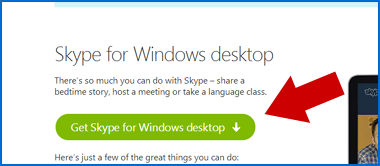
I recommend using the desktop version of Skype. This can be downloaded from www.skype.com Look for “Get Skype” and “Get Skype For Windows Desktop”
 During installation you may want to untick things like:
Launch Skype on startup
Install Click to Call
Make Bing My Home Page
Once installation is complete, an icon will appear on your desktop. You may want to pin to Start and unpin the other version.
 Launch the desktop version of Skype and I’m sure you will agree it is a lot easier to operate and control.