
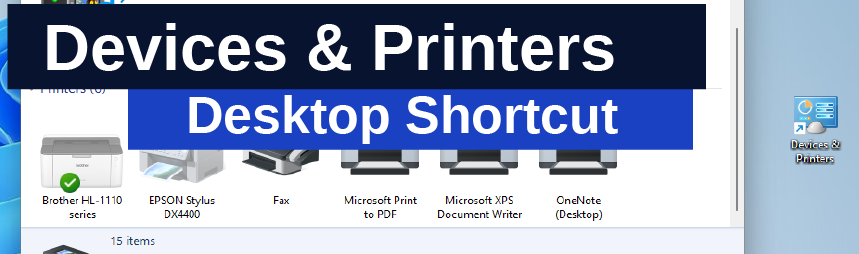
How to create a desktop shortcut to open the traditional Control Panel window for Devices and Printers in Windows 11.
This can be useful if you regularly need to access the Control Panel settings if you work with multiple printers or if you experience issues that require hardware devices to be disabled.
Create Shortcut – Devices & Printers – W11
- Create new shortcut on Desktop
Right-click a blank space on your desktop, select New / Shortcut.
- Type the Location of the Item. Type in:
control printers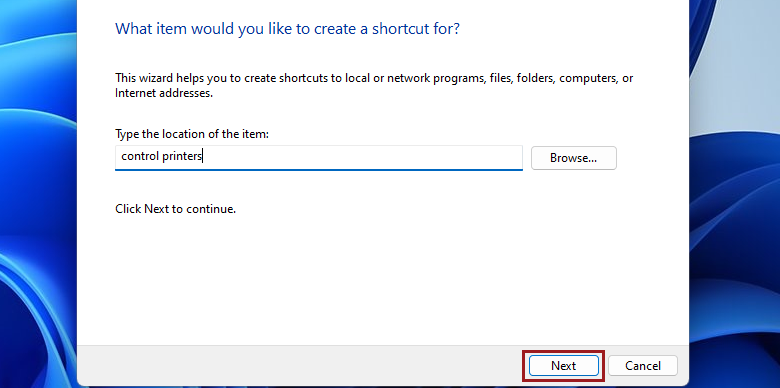
- Type a Name for this Shortcut
Devices & Printers
Pin to Start (Optional)
Once you have the Desktop Shortcut on your desk, you can easily pin it to the Start Menu by right-clicking on the icon and selecting “Pin to Start”.

End